By Muhammad Rehan Iqbal (Rehan Mir), founder and developer of Dontevenjokelad.com. Web developer and technical SEO practitioner who builds and runs content sites, including ShareCodeCheck.org.
Quick Answer: We couldn’t confirm what studyxcel.com offers, so this guide shows you how to check any Excel study site yourself and where to learn Excel safely.
If you searched for studyxcel.com, the first thing to know is that the name is easy to confuse with other Excel learning sites. StudentsExcel.com, for example, is a separate site that offers video-based Excel courses for accounting and business students. Check the exact spelling in your address bar before you enter any personal or payment details.
What is studyxcel.com?
Dontevenjokelad.com has not independently confirmed what studyxcel.com offers, who runs it, or what it charges. This guide doesn’t guess. Anything you read elsewhere about the site, including this page, should be checked against the site’s own pages (About, Terms, Privacy Policy, Contact).
How to check any Excel study site in five minutes
A study site is worth your time if you can answer yes to most of these questions.
- Does it say who runs it? Look for a named person or company and a working contact method.
- Is the pricing clear before you sign up? You should see what is free, what costs money, and how to cancel without hunting for it.
- Does it have a privacy policy and terms? If you are asked for an account, find out what data it collects.
- Does the content match Microsoft’s own documentation? Compare a formula explanation against the official Excel help at support.microsoft.com. Errors in basics such as SUM, IF or XLOOKUP are a red flag.
- Are the reviews independent? Reviews that appear only on the site itself prove little.
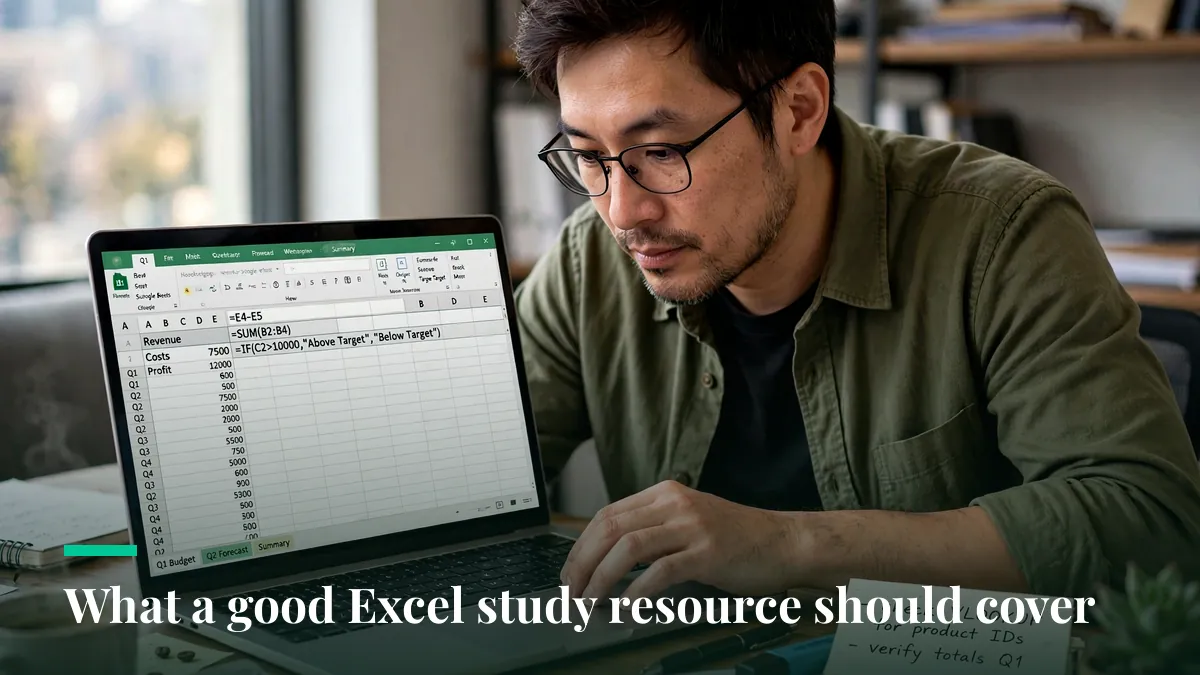
What a good Excel study resource should cover
Beginners usually need the same core skills, so a useful site should teach them in a sensible order:
- Cell references (relative vs. absolute)
- Core functions such as SUM, IF, COUNTIF and XLOOKUP
- Sorting, filtering and tables
- Charts and PivotTables
- Practice exercises with answers you can check
If a site has lessons but no exercises, you will learn to recognize formulas without learning to write them.
Protecting yourself
Don’t reuse a password from another account. Use a payment method that gives you dispute rights, and avoid downloading “free” files or cracked software from sites you haven’t vetted. For Excel files in particular, don’t enable macros in a downloaded workbook unless you trust its source. A guide like this isn’t a security audit. If you think you’ve been scammed, contact your bank and your country’s consumer-protection agency.
Where to learn Excel instead
Microsoft’s own support site is the reference for how Excel behaves in each version. Established tutorial sites such as W3Schools publish a free, step-by-step Excel tutorial with a study plan for teachers. For structured university-style courses, StudentsExcel.com offers video courses with paid exercise spreadsheets. Check its current pricing, since it was not re-verified for this guide.
FAQs
Is studyxcel.com legit?
We couldn’t verify it, so we can’t say. Use the five-minute checklist above before you create an account or pay.
Is studyxcel.com the same as StudentsExcel.com?
Not as far as we can tell. They are different domain names, and nothing we found connects them. Check the exact spelling before you log in.
Can I learn Excel for free?
Yes. Microsoft’s support documentation and free tutorials such as W3Schools cover the fundamentals. Paid courses mainly add structure, feedback and practice material.
What should I do if I already paid and I’m unsure about the site?
Save your receipt and any emails, then contact the site’s support. If you get no answer, contact your card issuer or bank about a dispute.
Key Takeaways
- We couldn’t verify what studyxcel.com offers, so confirm details on the site itself.
- Check ownership, pricing, privacy terms and content accuracy before signing up.
- Compare any formula lessons with Microsoft’s official Excel help.
- Free, established resources are enough to learn the basics.
Next step: Open the site’s About and Privacy pages and run through the five checks above before you create an account.
More from Dontevenjokelad.com
- For another look at a publishing-related site, read our guide to Blog BlueFlamePublishing.
- If you want to see how we check another unfamiliar site, read PushWiki: What Is It?.
- We used the same five-minute checks in our guide to Troozer.com.
- For another domain we looked into, see our guide to Team Aelftech.
- For another quick check of a lookalike domain, read our guide to Yenkly.com.
- And for one more unfamiliar name we checked, see our guide to Yolosims01.