By Muhammad Rehan Iqbal (Rehan Mir), founder and developer of Dontevenjokelad.com. He is a web developer and technical SEO practitioner who builds and runs content sites, including ShareCodeCheck.org, and edits and curates this site’s tech guides.
Quick Answer: 35-ds3chipdus3 isn’t a documented chip you can install. The name most likely points to the Gigabyte GA-P35-DS3 motherboard, whose drivers come from Gigabyte’s support page.
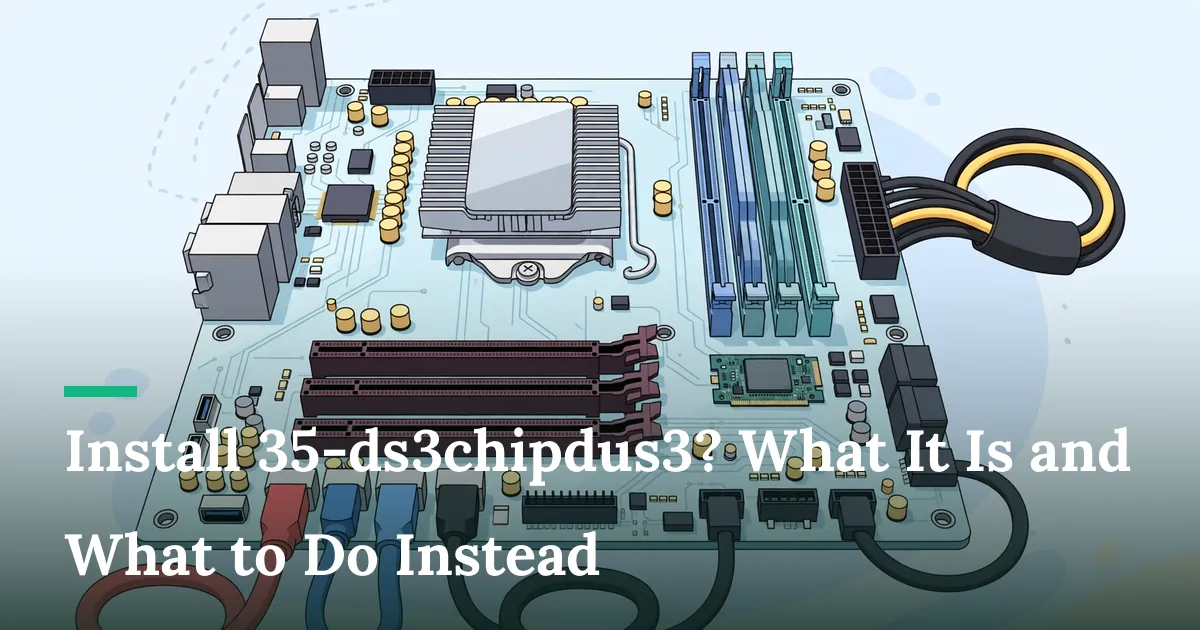
Install 35-ds3chipdus3? What It Is and What to Do Instead
Is 35-ds3chipdus3 a chip you can install?
No manufacturer documentation that I could find describes a component called 35-ds3chipdus3. Some blogs present it as a specialized integrated circuit module designed to enhance system performance, but they name no maker, part number or datasheet. Other pages say it suits microcontrollers, gaming controllers, custom PC boards and embedded systems. Descriptions that disagree this widely are a warning sign. Treat any step-by-step “chip install” guide for this name as unverified.
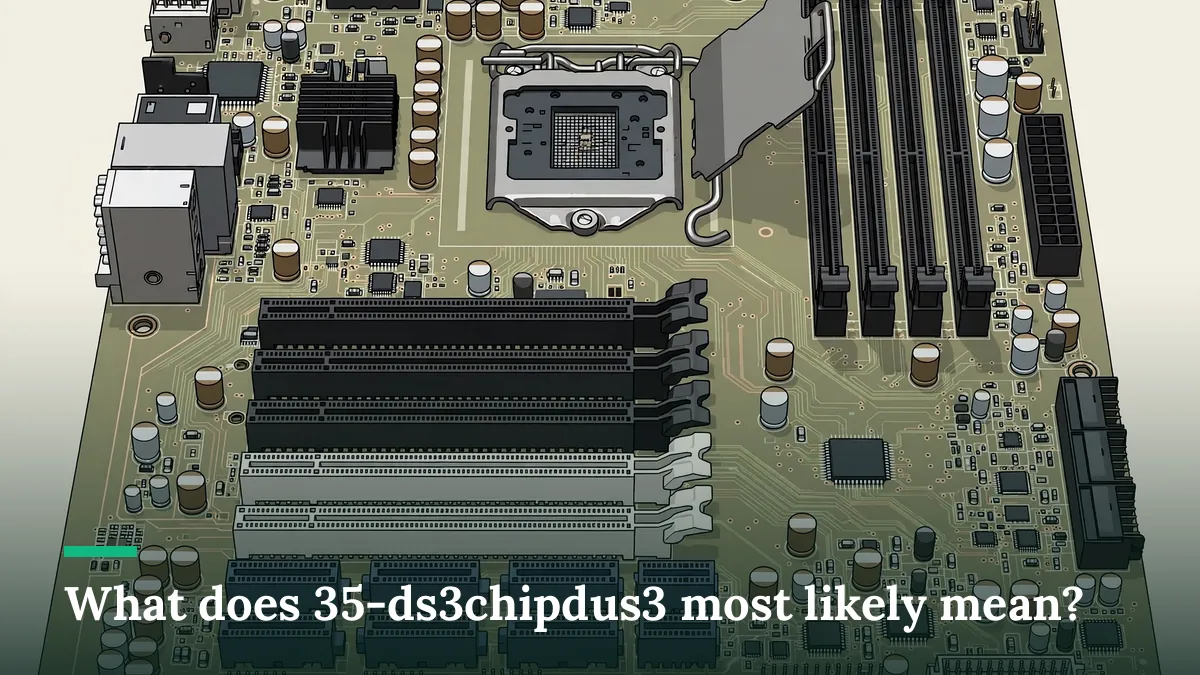
What does 35-ds3chipdus3 most likely mean?
The name most likely contains a garbled reference to the Gigabyte GA-P35-DS3, a 2007-era LGA775 motherboard. Several blogs make the same link, saying it refers to the Gigabyte GA-P35-DS3, an ATX motherboard built on the Intel P35 Express chipset. Gigabyte’s own pages confirm the board exists and is listed as Intel P35 + ICH9 Chipset, in revisions 1.0, 2.0 and 2.1, now filed under “Legacy”.
One caveat: Gigabyte never uses the full string “35-ds3chipdus3”. The link is an inference from the “35-DS3” fragment, not something the manufacturer states.
What does the GA-P35-DS3 support?
Gigabyte’s support page lists the board as supporting Intel Core 2 multi-core and Intel 45nm processors with DDR2 1200(OC) memory. The specification page lists 1600 (O.C.)/1333/1066/800 MHz FSB and a licensed AWARD BIOS. It also lists utilities such as Q-Flash and @BIOS.
A motherboard is not a part you “install” into a system the way those blog guides describe. It is the base the other parts connect to.
How do you get drivers and BIOS files safely?
Use Gigabyte’s support page for your exact board revision.
- Find the revision printed on the board itself (for example “REV: 2.1”). Revisions get separate download lists.
- Open the matching GA-P35-DS3 support page on gigabyte.com and choose Driver, BIOS or Utility.
- Download only from that page. Avoid mirror sites, “driver packs” and anything labelled as a chip installer.
- Read the notes. Gigabyte warns that most hardware and software vendors may no longer offer drivers for Win9X/ME/2000/XP SP1/SP2, so very old Windows versions may have no current drivers.
Be careful with BIOS updates. A failed flash can leave a board unbootable. The 2007 manual advises: if you are uncertain about any installation steps, consult a certified computer technician.

How do you check what hardware you actually have?
Look at the printed model on the board, or use the free system information tool built into your operating system. Compare the model and revision with Gigabyte’s lists. If the board turns out to be something else, search for that exact model name instead.
Symptom-to-cause table
| Symptom | Likely cause | What to do |
|---|---|---|
| A blog says to “insert” 35-ds3chipdus3 in a PCIe slot | An unverified description of a chip with no documentation | Don’t buy or install anything. Verify the model first. |
| Gigabyte lists several revisions | The board changed over time | Match the revision printed on your board. |
| No driver for your Windows version | The board is legacy hardware | Check the support page’s OS filter and notes. |
| A site offers a “35-ds3chipdus3 installer” | Possible bundled or unwanted software | Skip it. Use only the manufacturer’s download. |
Frequently asked questions
Is 35-ds3chipdus3 a real product?
I couldn’t find it in any manufacturer documentation. The nearest verifiable match is the Gigabyte GA-P35-DS3 motherboard, but that match is an inference.
Can I buy 35-ds3chipdus3 to speed up my PC?
There’s no verified product to buy under that name. A PC doesn’t speed up by adding a mystery chip, so be cautious of any listing that claims it does.
Where do I download GA-P35-DS3 drivers?
From Gigabyte’s support page for your board revision, as described above.
Does the GA-P35-DS3 still receive updates?
It is listed under “Legacy” on Gigabyte’s site, so new drivers are unlikely. Check the support page for the latest available files.
Key Takeaways
- No official source documents a chip called 35-ds3chipdus3.
- The name most likely refers to the Gigabyte GA-P35-DS3 motherboard, but that is an inference.
- Get drivers and BIOS files only from Gigabyte’s support page for your exact revision.
- Treat “install” guides for this keyword as unreliable.
Next step: Find the revision printed on your board, then open the matching Gigabyte support page before you download anything.
Related guides on Dontevenjokelad.com
- Tech Town Beaconsoft: What It Is and What It Isn’t
- Yonopress: What It Is and How to Check It’s Safe
- Pixelspinx com: What the Website Is, and What It Is Not
References
- Gigabyte, GA-P35-DS3 (Rev. 2.1) Support: https://www.gigabyte.com/Motherboard/GA-P35-DS3-rev-21/Support
- Gigabyte, GA-P35-DS3 (Rev. 2.1) Specification: https://www.gigabyte.com/de/Motherboard/GA-P35-DS3-rev-21/sp
- Gigabyte, GA-P35-DS3 (Rev. 2.0): https://www.gigabyte.com/Motherboard/GA-P35-DS3-rev-20
- Gigabyte, GA-P35-DS3/S3 User’s Manual (Rev. 1003, Apr. 2007)